Aura
Voice-first desktop agents for operators and enterprise teams. Aura listens for “Hey Aura”, reads live screen context, spawns scoped sidecar agents, executes across native apps and web apps, and runs durable workflows with approvals, connectors, and governance.
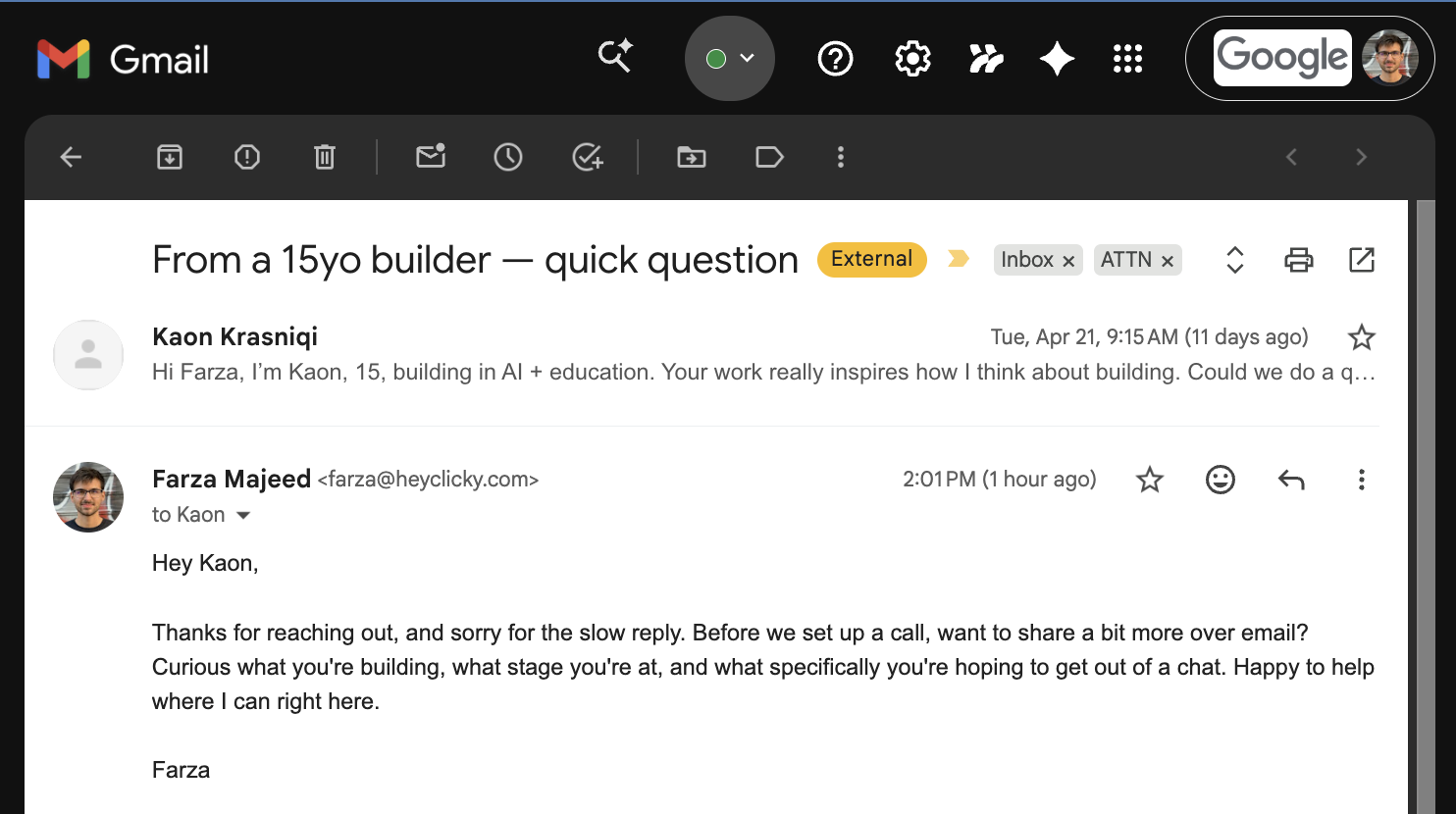
Product surfaces
See what Aura is doing while it works.
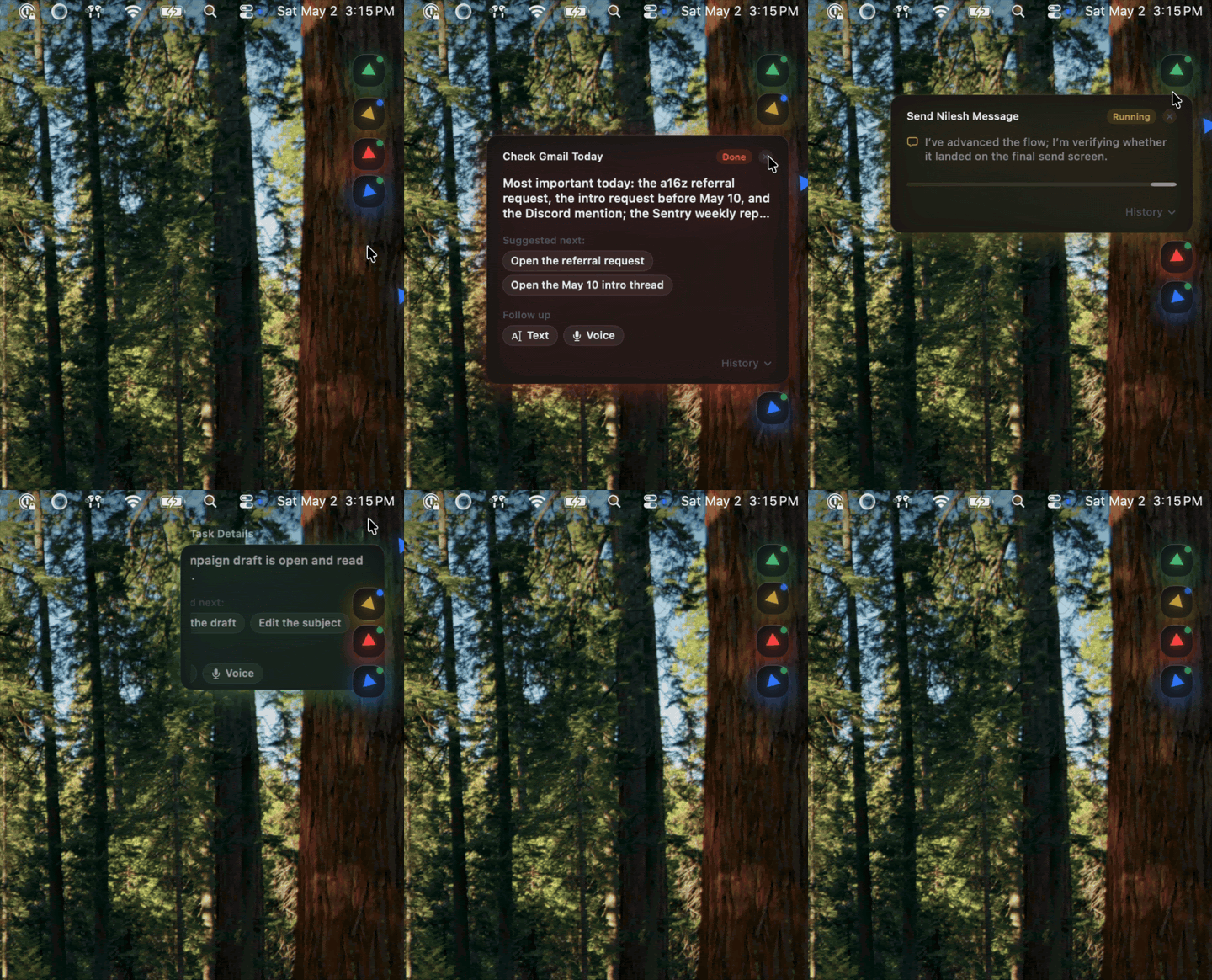
Aura stays visible. The orb changes state while listening, thinking, and responding. Floating sidecar agents stay on screen, memory surfaces remain inspectable, and the operator can pause, resume, or redirect work without guessing what the system is doing.
What Aura does
One assistant for live guidance, execution, and memory.
Talk to Aura directly. “Hey Aura” starts listening, the orb changes state immediately, and the assistant can answer with live screen context.
Spawn specialized sidecar agents for the app in front of you. Aura can scope skills, open a chat, and keep a visible execution footprint on screen.
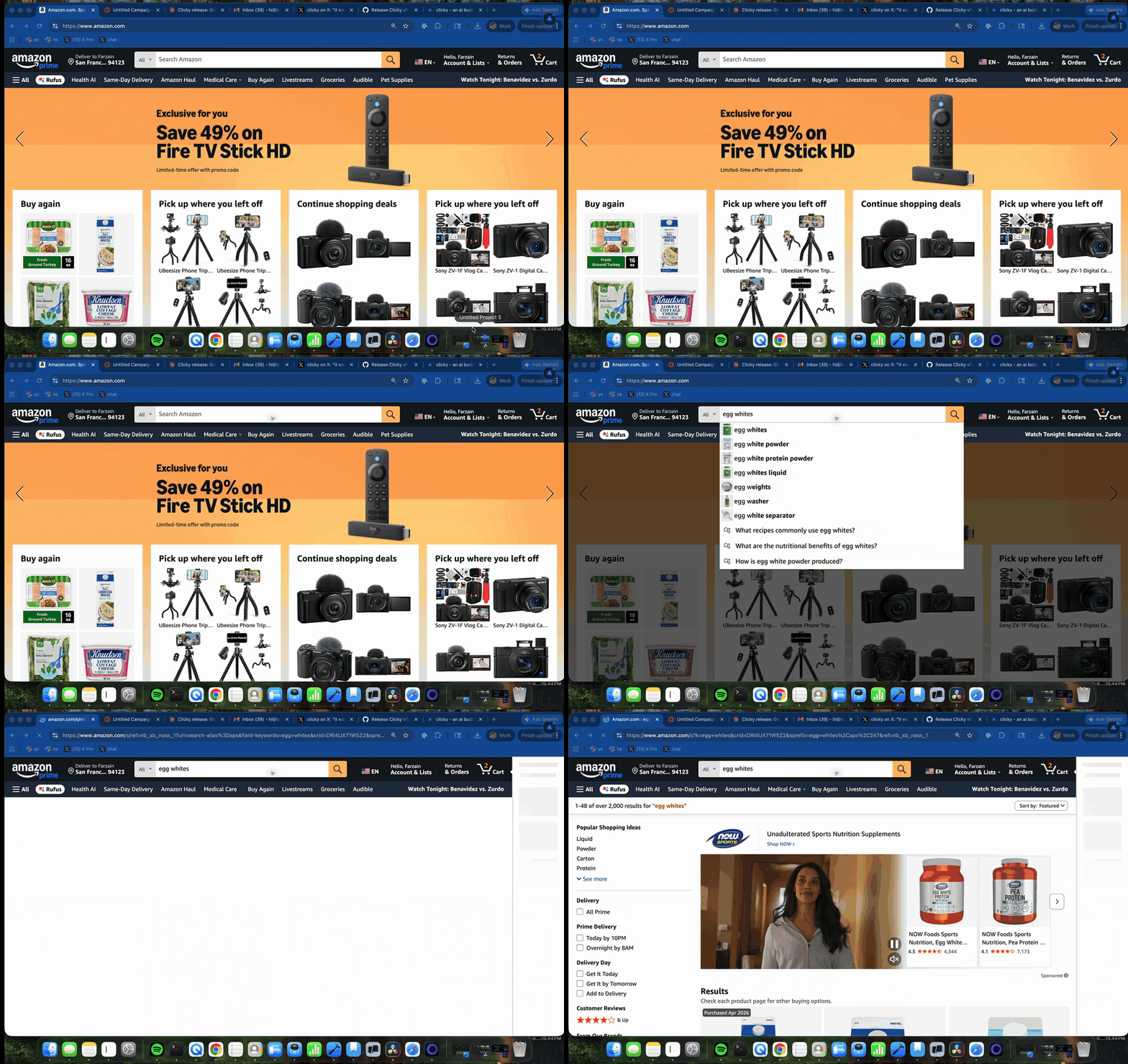
Use the shadow cursor as a guided instructor. Aura can research the task, move step-by-step, and wait for the operator before advancing.
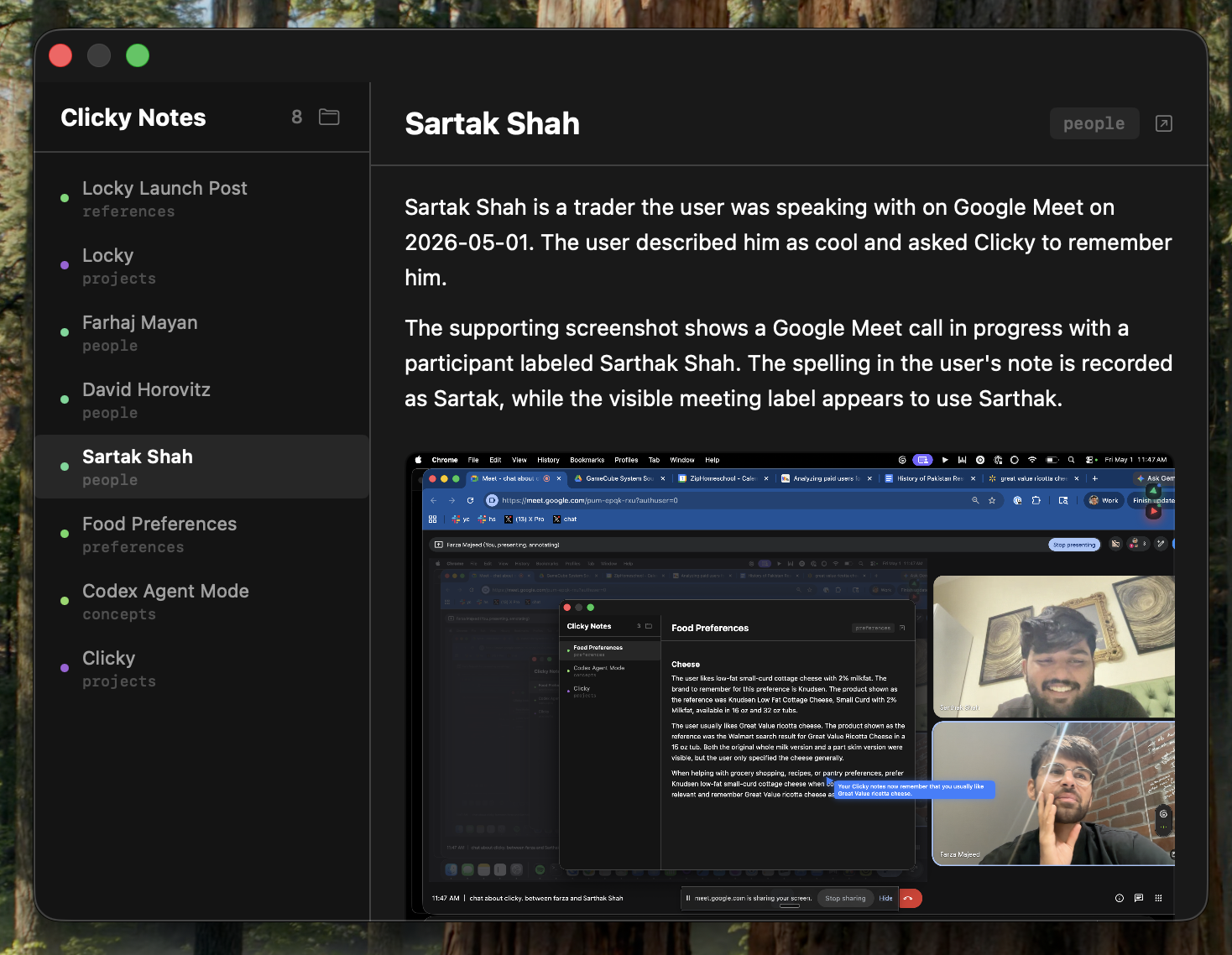
Keep reusable notes, people, preferences, and context attached to actual screen sessions so future agent runs start with better context.
Workflow runtime
Durable automation with agent-native workflow controls.
Aura’s workflow studio is built around long-running execution, not disposable prompts. Runs can be paused, resumed, retried, replayed, and audited. Triggers, approvals, connectors, and recorder-to-workflow live in the same control plane.
Pause, resume, retry, replay, and inspect step logs without losing run history.
Manual, webhook, email, queue, and schedule triggers route new work into Aura’s runtime.
AI task, condition, branch, loop, delay, HTTP request, approval, subworkflow, desktop action, and document extract.
Generic HTTP first, then reusable accounts for Slack, Gmail, Google Calendar, Notion, Jira, Linear, and Salesforce.
Approval queues, comments, escalation windows, and visible waiting states inside the workflow studio.
Capture desktop events, convert them into deterministic action steps, then replay before falling back to model reasoning.
Control room
Governance for teams, not just one operator.
Aura is being shaped into a desktop-first operations platform: workspaces, approval policy, connector scope, blocked apps/domains, redaction policy, audit trails, and a runner registry for remote execution.
Owner, admin, builder, operator, reviewer, and viewer roles define who can build, approve, or run.
Redact tokens, emails, or long identifiers and enforce blocked bundles/domains before capture and execution.
Every trigger, approval, connector update, recorder session, and workflow action can be surfaced in a workspace audit log.
Attach workflows to local or remote runners so execution can be assigned and supervised more like a control room.
Deployment surfaces
Ship Aura to the desktop and the browser together.
The native macOS app handles voice, screen context, overlay guidance, and desktop actions. The web presence explains the runtime, workflow, control room, and enterprise capabilities behind it.